


Private Photo Vault
4.83.82K Reviews
App Specs
- Version
- 7.1.3
- Updated On
- License
- Free
- Downloads
- 10,000,000+
- Developer
- Legendary Software Labs LLC
- Categories
- Photography
- Platform
- Android
Screenshots
 Analysis by AppCompare
If you've ever handed your phone to a friend to show them a picture and felt a wave of panic at the thought of them swiping through your photo gallery, then Private Photo Vault might just be the app you never knew you needed. As a self-proclaimed privacy enthusiast, I decided to take this app for a spin and see if it lives up to its promise of keeping my photos secure and away from prying eyes.
Getting Started with Private Photo Vault
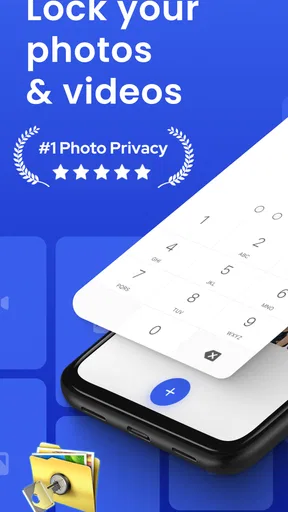
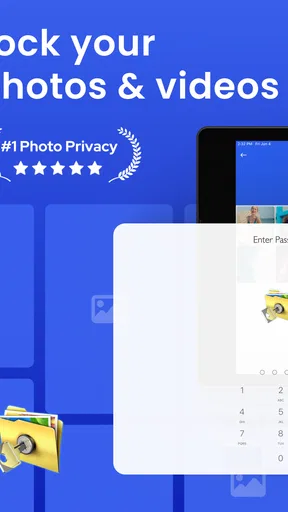
First things first, downloading Private Photo Vault is a breeze. Available on both Android and iOS, the app is lightweight and doesn't take up much space on your device. Setting it up is straightforward and user-friendly. Upon opening the app, you're prompted to set up a password or PIN. This is your first line of defense, and let me tell you, it feels like setting up a mini Fort Knox for your photos.
User Interface and Experience
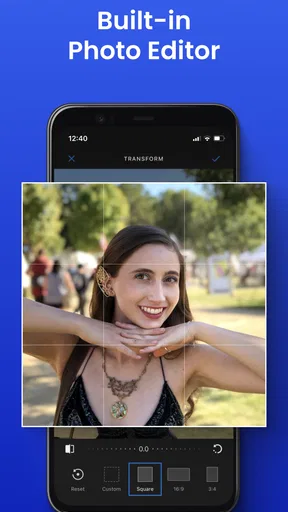
The interface is clean and intuitive. You’re greeted with a simple menu that lets you easily navigate through your albums. I loved how the app doesn't bombard you with unnecessary features. It's streamlined to do one thing and do it well: protect your photos. Importing photos is as simple as tapping a button, and you can even snap pictures directly from the app, which are then automatically secured.
One of my favorite features is the break-in report. If someone tries to access your vault and enters the wrong password, the app snaps a photo of the intruder with the front camera. It's like having your very own security camera!
Features That Stand Out
Now, let's talk about the features that truly make this app a standout. Besides the basic photo vault functionality, Private Photo Vault offers a couple of nifty extras:
- Decoy Passwords: This is a fantastic feature if you're ever forced to open your vault. Create a decoy password that opens a different set of photos, keeping your real stash under wraps.
- Slideshow Mode: Want to show off your vacation pics without revealing all your secrets? The slideshow mode lets you do just that.
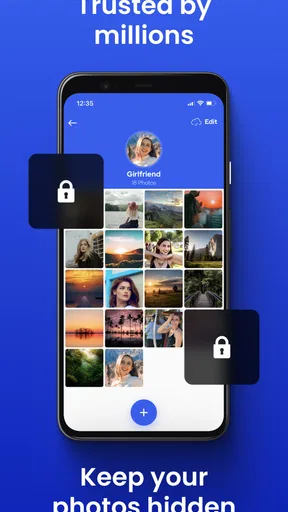
- Album Customization: Organize your photos into albums for easy access and viewing. You can even customize album covers for a personal touch.
Security and Privacy
When it comes to security, Private Photo Vault doesn't cut corners. The app ensures your photos are encrypted and stored securely. Plus, it doesn’t upload your photos to any cloud service, which is a huge plus for those concerned about privacy breaches. Knowing that my photos are only stored on my device gives me peace of mind.
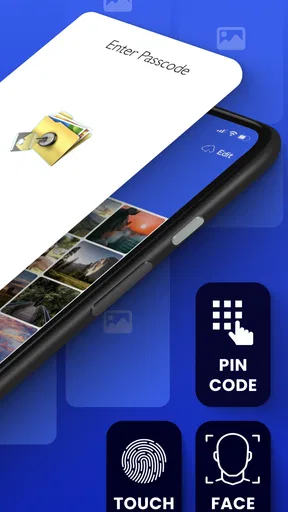
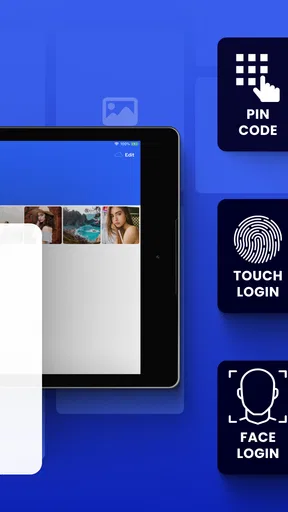
Another feature worth mentioning is the Face ID and Touch ID integration on iOS devices. This adds an extra layer of security and makes accessing your photos quick and hassle-free.
Worth Reading Before You Choose

EA SPORTS FC Mobile 26 Is a Bigger Football Game, but It Takes Time

Flipboard Shows What News Apps Must Do Beyond the Feed

Switching to Android Auto Means Rethinking Your Driving Routine

Google Calendar Makes a Crowded Week Easier to Manage

Ludo King Makes the Most of the Minutes Between Plans

Baby Panda World Brings Quick Play to Modern Phones, but Its Game Library Feels Busy
Performance and Usability
During my time using the app, I didn't encounter any lag or crashes, which is always a good sign. It performs smoothly even when handling large photo libraries. The app does what it promises without any hiccups, making it a reliable choice for photo privacy.
However, like any app, it’s not immune to occasional bugs. Some users have reported minor issues with photo import/export, but these seem to be rare and quickly addressed by app updates.
Final Thoughts
In a world where digital privacy is becoming increasingly important, Private Photo Vault offers a solid solution for keeping your photos under lock and key. It’s easy to use, packed with useful features, and, most importantly, it keeps your private moments private.
Whether you're worried about nosy friends or just want peace of mind knowing your photos are secure, this app is worth checking out. So, if you're like me and value your privacy, give Private Photo Vault a try. You might just find it becomes one of your must-have apps.
Pros
- User-friendly interface for easy navigation.
- Robust encryption for maximum photo security.
- Supports multiple photo and video formats.
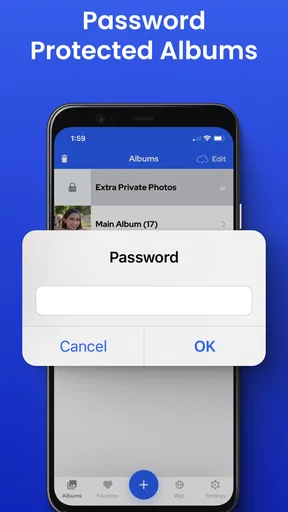
- Allows album-specific passwords for added security.
- Secure cloud backup to prevent data loss.
Cons
- Limited free storage space available.
- Ads in the free version can be intrusive.
- Requires subscription for advanced features.
- No biometric unlocking on older devices.
- Syncing issues reported with some cloud services.
FAQs for Private Photo Vault
How secure is Private Photo Vault?
Private Photo Vault uses a robust password protection system to secure your photos and videos. It employs AES-256 bit encryption, ensuring your media is safeguarded from unauthorized access. Additionally, the app offers a break-in report feature, which captures photos of anyone attempting to access your vault without permission.
Can I recover my password if I forget it?
Yes, Private Photo Vault provides a password recovery option. If you forget your password, you can use the recovery email option set during the initial setup. This ensures you can regain access to your protected media without hassle, though it’s crucial to set this up promptly after installation.
Does Private Photo Vault support cloud backup?
Private Photo Vault allows you to back up your photos and videos to the cloud. This feature ensures that your media is safe even if you lose your device. You can sync it with services like iCloud or Dropbox, providing additional security and accessibility across different devices.
Are there any in-app purchases in Private Photo Vault?
Yes, Private Photo Vault offers in-app purchases. While the app is free to download, premium features such as increased storage capacity and advanced security options require a purchase. This allows users to customize their experience based on their storage and security needs.
What file formats does Private Photo Vault support?
Private Photo Vault supports a wide range of file formats for both photos and videos. Common formats like JPEG, PNG, and GIF for photos, as well as MP4 and MOV for videos, are supported, ensuring compatibility with most media files you might want to secure.


